How to Program Your Garage Door Remote: A Complete Guide by A & A Garage Door Repair

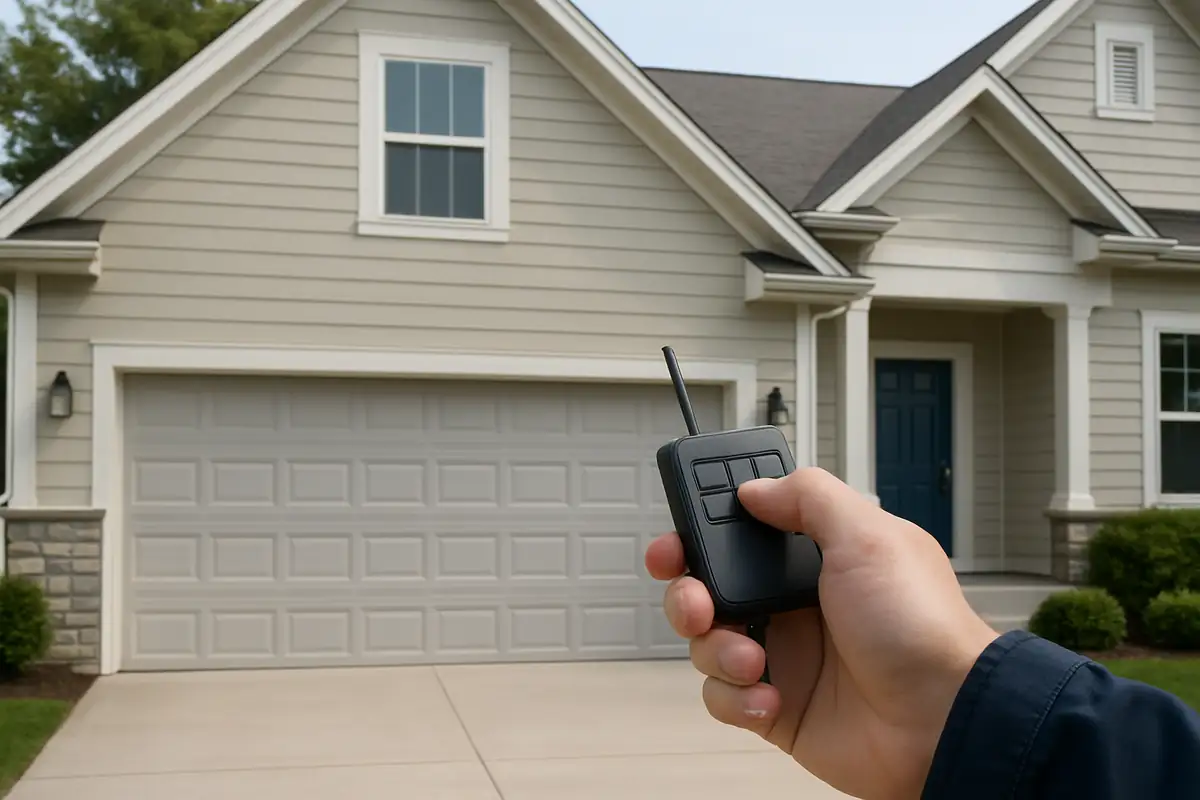
How to Program Your Garage Door Remote: A Complete Guide
If you've recently purchased a new garage door remote or are simply trying to reset your existing one, you might be wondering how to get the programming just right. Garage door remotes are essential for convenience and security, offering you easy access to your home without having to leave your vehicle. In this guide, A & A Garage Door Repair, a reliable provider of garage door repair in Stockton, CA, will walk you through the steps of programming your garage door remote, troubleshooting common issues, and maintaining your garage door system for optimal performance.
Why Programming Your Garage Door Remote is Important
Programming your garage door remote is essential for several reasons:
- Enhanced Security: Properly programming your remote ensures that unauthorized users cannot easily gain access to your garage.
- Convenience: A working remote allows you to open and close your garage door from a distance, providing ease of access.
- System Updates: New remotes often come with updated technology that can improve performance and security features.
Statistics on Garage Door Security
According to the International Door Association, more than 70% of U.S. homes have garages, making them a primary entry point for many burglars. By programming your garage door remote correctly, you can significantly reduce the risk of unauthorized access.
Steps to Program Your Garage Door Remote
Programming your garage door remote may seem daunting, but it's usually straightforward. Follow these steps to ensure your remote syncs perfectly with your garage door opener:
- Identify Your Garage Door Opener: Before you begin, determine the brand and model of your garage door opener. This information is often found on the motor unit installed in your garage.
- Locate the “Learn” Button: Most garage door openers have a “Learn” or “Smart” button. This is crucial for syncing your remote.
- Press the Learn Button: Press the learn button once. You may see an LED light flash, indicating it's ready to accept input from your remote.
- Program Your Remote: Within 30 seconds, press and hold the button on your remote that you want to use for your garage door. The LED light on the motor unit should blink or turn off, confirming the remote has been successfully programmed.
- Test the Remote: After programming, test the remote by pressing the button to open or close your garage door.
Troubleshooting Common Issues
If you encounter any issues while programming your garage door remote, consider these common problems:
Remote Not Responding
If your remote isn't responding, check the following:
- Ensure the batteries in the remote are fresh and installed correctly.
- Verify that you pressed the learn button on the garage door opener properly.
- Ensure your garage door opener’s safety features are functioning correctly, such as photo-eye sensors.
Remote Interference
Sometimes, other devices can interfere with your remote’s signal. To minimize interference:
- Keep the remote away from large metal objects or appliances.
- Change the frequency settings on your remote or opener if possible.
Maintaining Your Garage Door System
Once you’ve programmed your garage door remote, it’s important to maintain your entire garage door system:
Regular Inspections
Inspect your garage door and opener regularly for wear and tear. Look for:
- Frayed cables or worn rollers.
- Loose or missing hardware.
- Signs of rust or corrosion.
Routine Maintenance Tips
Keep your garage door running smoothly with these maintenance tips:
- Lubricate all moving parts (rollers, hinges, springs) at least twice a year.
- Check the balance of your garage door to ensure it’s functioning correctly.
- Test the safety features annually to confirm they are operational.
When to Call a Professional
If you’ve tried programming your remote or troubleshooting issues without success, it might be time to contact a professional. A & A Garage Door Repair specializes in garage door repair in Stockton, CA, and can help with any issues you encounter. Signs that you should call us include:
- Your garage door makes unusual noises when operating.
- Your remote continues to malfunction despite troubleshooting.
- The garage door is unbalanced or stuck.
Conclusion
Programming your garage door remote doesn’t have to be a frustrating experience. With the right guidance, you can easily sync your device for quick and convenient access to your garage. If you’re in Stockton, CA, and need further assistance, don’t hesitate to reach out to A & A Garage Door Repair. Our team of experts is here to help you get the most out of your garage door system.
Call us today for a free quote!
Explore More Resources
Related Articles
Service Areas
We proudly serve Stockton, El Pinal, Akers, Country Club, August and more areas.
Our Services
Professional garage door repair, spring repair, opener installation and more. View all services →
Choosing the Right Garage Door for Your Climate: A Guide by A & A Garage Door Repair
Best Garage Door Styles for Modern Homes in Stockton, CA